
投票概要(Voting Overview)
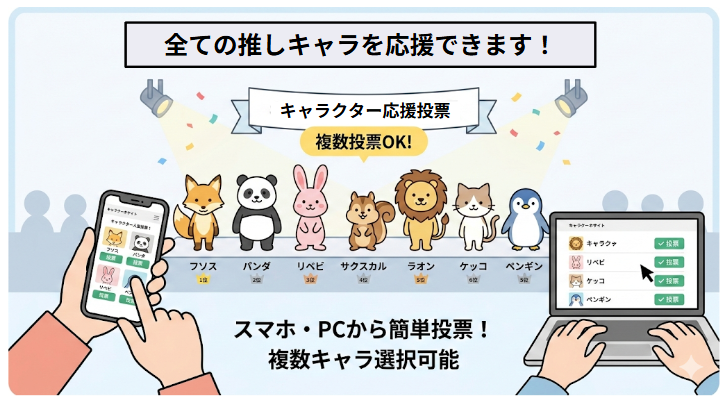
スマホやPCから、1日に複数の推しキャラに1回ずつ応援投票できます。
一度応援したキャラをまとめて応援する機能もあります。
Vote for Multiple Characters Daily:
You can cast one vote per day for each of your favorite characters from your smartphone or PC.
Bulk Voting Feature:
Use the convenient “Bulk Vote” function to support all your previously voted characters at once.
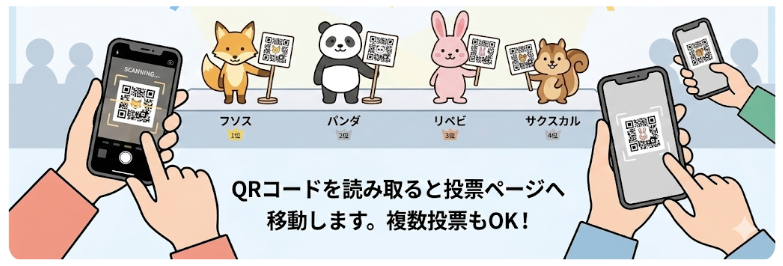
方法1:QRコードから該当キャラの応援投票のできるページを表示し投票できます。
Option 1: Via QR Code Scan the QR code to open the character’s dedicated page and cast your vote.
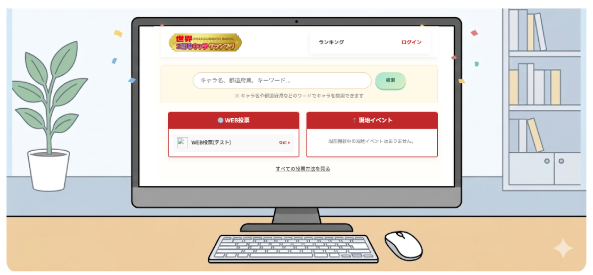
方法2:PCでは投票サイトで投票できます。
Option 2: Via PC Visit the official voting website from your computer to cast your vote.
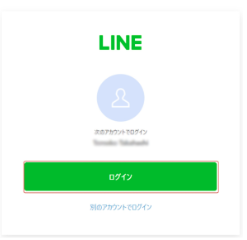
LINEログインが必要です。(LINE Login Required)
応援投票にはLINE IDでのログインが必要です。ログインをクリックするとLINEのログインが
表示されます。
※PCでログインする場合はスマホのLINEでログインを承認する必要があります。
To cast your vote, you must log in with your LINE ID. Clicking the “Login” button will redirect you to the LINE login screen.
Note for PC Users:If you are logging in from a computer, you will need to authorize the login via the LINE app on your smartphone (e.g., via QR code or verification code).
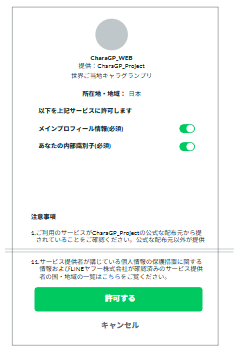
※初めてのログイン時にサービス利用の確認がでますので、許可してください。
Permission Request: When you log in for the first time, a screen will appear asking for permission to use the service. Please click “Allow” or “Accept” to proceed.
また、初回のみログイン完了後に簡単なプロフィールの入力を求められますので、ご回答ください。
Profile Setup: Only upon your initial login, you will be asked to fill out a short, simple profile. Please complete the information to start voting.